Deterministic guardrail scoring
Know if your edits are still natural before publishing.
Get a fast, natural-looking edit plan you can trust. Upload one photo, set your target usage, and receive checklist + preview + share-ready outputs.
Define editing intent first, then generate your plan.
Quick presets
3Use common editing scenarios to start faster.
Drag and drop or click to browse
Supported formats: JPG, PNG, WEBP (Max 10MB)
Upload a front-facing photo for better preview quality.
No external AI call is required for this deterministic flow.
Prioritize trust, face clarity, and circle-safe crop.
Clean and credible, suitable for most professional contexts.
Deterministic mode enabled: this tool works fully without external AI.
Review scores, risk guardrails, checklist, and export specs.
Run the editing coach
Your preview, checklist, and share-ready edit recipe will appear here.
Switch scenarios quickly and compare plan differences.
Built for publish-now users who need clarity and speed.
Proof signals
Built from public expert workflows and deterministic output rules.
5
Expert sources
Public guides reviewed before defining this flow.
3
Repeatable presets
Starting points to keep team edits aligned.
3
Share outputs
Recipe, checklist, and share note generated per run.
Know if your edits are still natural before publishing.
Fix highest-impact issues first and avoid over-processing.
Compare before/after quickly with a built-in slider.
Copy recipe and checklist directly to team chats or briefs.
SERP references used to design guardrails and workflow.
Strong step-by-step fundamentals, but no interactive outcome.
https://pathedits.com/blogs/tips/how-to-edit-a-professional-headshot-9-tips
Detailed local adjustment method, high learning effort for non-experts.
https://digital-photography-school.com/how-to-edit-corporate-headshots-in-lightroom/
Balanced capture + edit guidance; lacks immediate execution output.
https://www.gotphoto.com/blog/photography-tips-on-headshots/
Beginner-friendly steps and before/after examples; no deterministic guardrail scoring.
https://berksheadshots.com/diy-headshot-photo-editing-in-7-easy-steps/
Strong authenticity warning against heavy edits; no post-processing tool workflow.
https://postdocs.gatech.edu/news/how-take-your-own-professional-headshot-tips-georgia-tech-photographer
Checks that prevent fake-looking results before publishing.
If pores disappear and face texture looks plastic, reduce smoothing first before touching color.
Ignoring platform crop behavior. Keep eyes in upper-middle safe area and leave edge breathing room.
Lock one preset for tone, crop, and background cleanup, then reuse recipe text across all photos.
Review style examples first, then decide how far your edit should go.
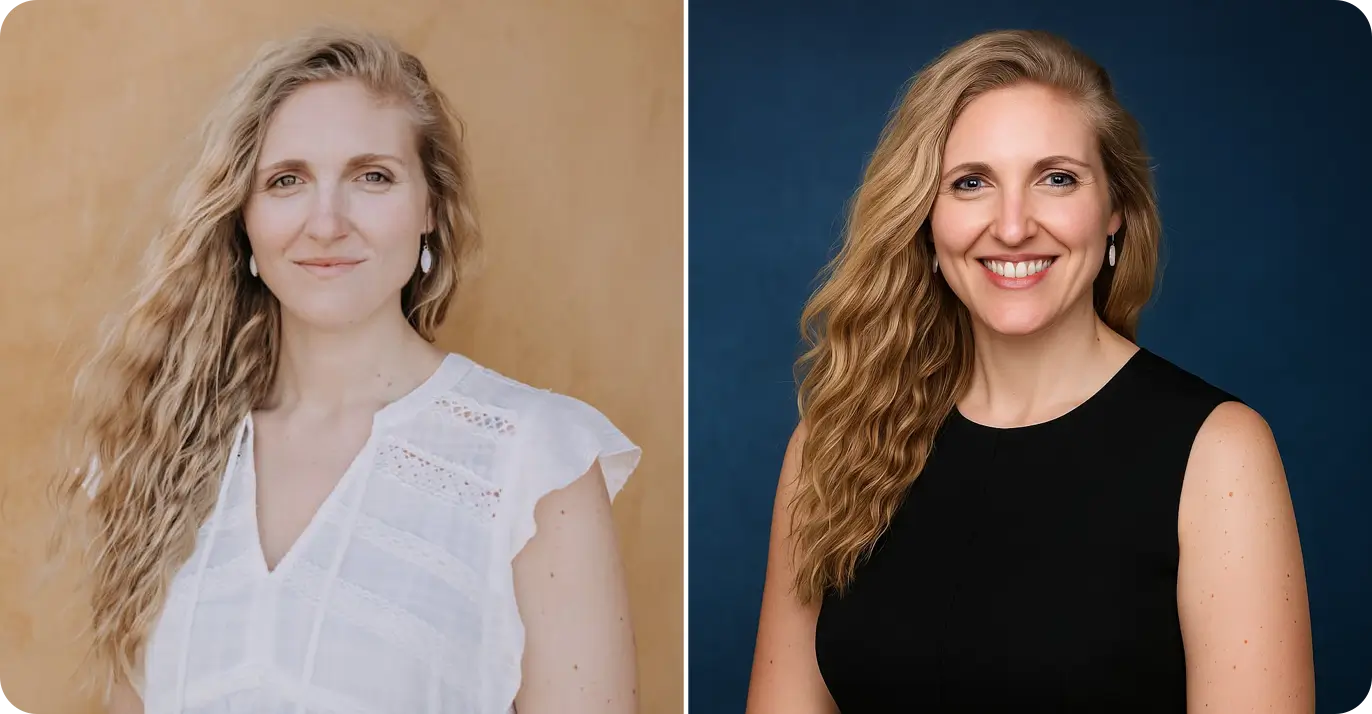
Style sample 1
Three steps from upload to share-ready output.
Front-facing, good light, and visible facial details produce better guidance.
Choose channel, tone, retouch level, background cleanup, and crop target.
Review scores and risk alerts, then copy checklist and share note.
Answers to common concerns about headshot retouching.
Move from editing to capture, planning, and publishing.
Plan outfit, schedule, and shoot-day readiness before editing.
Lock in lighting fundamentals and risk controls before retouching details.
Review privacy and authenticity risks before publishing.
Generate profile-ready alternatives after planning edits.
Estimate team and per-person budget before production.
Design high-throughput booth workflows for events.
Use this checklist as your quality baseline, then move into AI style generation and publishing.